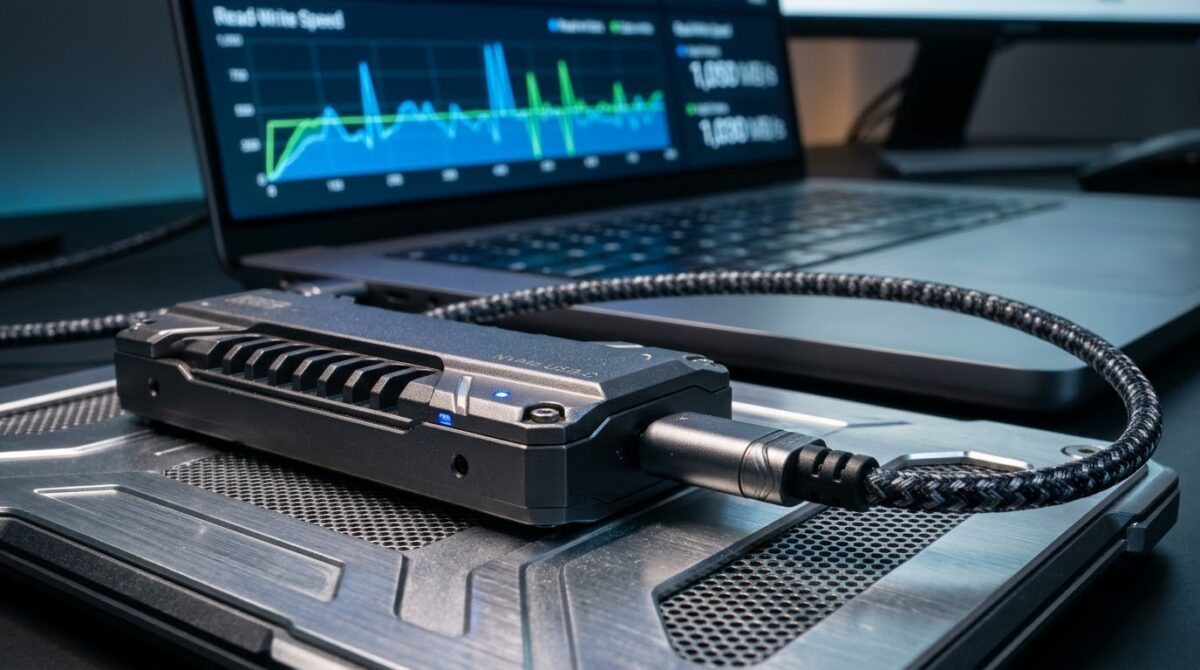
USB 3.2 Gen 2×2 Type-C vs Thunderbolt 3 SSD Enclosures for Sustained External NVMe Read-Write Speeds
Fast external storage is a must for video editors, photographers, game developers and anyone moving large files between workstations every day. NVMe drives can read and write internally at amazing rates today, but the enclosure and interface that they use to connect to a computer determines how much of that performance the user sees. Two popular choices are near the top of the market: USB 3.2 Gen 2×2 Type-C enclosures and Thunderbolt 3 enclosures . Both use the same reversible connector and both claim high bandwidth but they use distinct protocols, controllers and design goals. Peak figures on a product box are seldom the story, because sustained performance is about heat, controller efficiency, and file patterns. This guide discusses how to choose the proper enclosure for reliable speed over lengthy sessions and compares the two technologies.
How USB 3.2 Gen 2×2 Enclosures Work
USB 3.2 Gen 2×2 uses two 10 Gbps lanes for a theoretical maximum throughput of 20 Gbps using a Type-C port. Enclosures manufactured to this standard translate USB communication to NVMe commands for the drive within via a bridge controller. In the actual world you are looking at sequential rates in the 1,600 to 2,000 MB/sec range, well above the performance of earlier USB 3.1 Gen 2 products. The enclosures are often small, inexpensive, and easy to find, and they commonly have basic tool-free designs. The biggest downside is host support, as most PCs don’t have a Gen 2×2 connector, and will silently drop down to 10 Gbps speeds when plugged into a conventional Type-C connection.
How Thunderbolt 3 Enclosures function
Thunderbolt 3 delivers 40 Gbps of total capacity and tunnels PCI Express traffic to the linked disk so the enclosure very much acts as an internal NVMe slot. The controller inside the enclosure does very little command translation, yielding high throughput, low latency, and excellent tiny random read and write performance. Most Thunderbolt 3 NVMe enclosures will approach sequential rates in the range of 2,400 to 3,000 megabytes per second, limited mostly by the PCIe lanes available to storage. This technology is ubiquitous in professional laptops and desktops and works on both Windows and macOS. These enclosures tend to cost a bit more than the USB ones because to the unique controller and certification requirements.
Peak speed and sustained performance.
While marketing materials shout about burst speeds, editors and data pros want to know what occurs throughout a long transfer. Many NVMe drives have a fast cache that fills up quickly, then speeds might fall off a cliff as the drive writes directly to slower flash memory. ” Thunderbolt 3 enclosures provide the drive greater headroom, so the cache can be cleaned efficiently and sustained rates remain higher for longer. USB 3.2 Gen 2×2 enclosures hit their interface ceiling sooner, however that limit is often well within the reach of a mid-range drive. The gap closes in many practical tests on large copies, so the speedier interface is most beneficial when the drive itself is also excellent quality.
Thermal Management and Throttling Behavior
Heat is one of the major killers of sustained speed in tight exterior enclosures. NVMe drives that are high-performance can get so hot that they throttle down to a lower speed to safeguard the components. The faster throughput means more heat , hence Thunderbolt 3 enclosures tend to have much thicker metal shells and thermal pads and occasionally even little fans . USB 3.2 Gen 2×2 designs use less power through the bridge chip and may run cooler under the same workload, although the smaller housings can still trap heat during sustained writes. The interface is just as important as having a good contact between the drive and the metal enclosure. Much greater consistency can be achieved by putting the enclosure in open air flow and avoiding stacking the devices.
Random Performance, Latency and Actual Workloads
Sequential performance is only part of the equation, as many processes require thousands of small files and mixed reads and writes. PCIe tunneling preserves the low latency and high command queuing efficiency therefore Thunderbolt 3 is ideally suited to handle these workloads. USB enclosures use protocol translation, which introduces modest delays and can degrade performance when programs make many little requests. When dealing with chores like compiling code, running virtual machines or skimming through multi-layer project files, Thunderbolt typically feels more responsive. The difference is less for huge video clips, photo libraries and backups. If you match the interface to the actual workload you can avoid spending too much money on speed that you may never notice.
Compatibility, Cables and Host Controller Limitations
Compatibility is what makes or breaks the performance the enclosure advertises. Thunderbolt 3 ports are usually properly labeled and compatible with approved cables. USB 3.2 Gen 2×2 capability is less widespread and computer specs often do not label it correctly. Either way, a low-quality or short-rated connection might quietly lower speeds. This increases future compatibility, as many Thunderbolt 4 and USB4 machines are now able to use Thunderbolt 3 enclosures without difficulty. Drivers and firmware can also affect stability therefore it is wise to check operating system support before purchasing. Checking port specs and utilizing the cable provided with the enclosure prevent most connection problems.
Price, Power Consumption and Long Term Value
For individuals and small studios, price is usually the decisive issue. For battery-powered computers, USB 3.2 Gen 2×2 enclosures are often less expensive and power hungry. Thunderbolt 3 enclosures cost more, but they have higher ceilings, greater random performance and more acceptance among pros. A Thunderbolt enclosure’s value can be extended for years by reusing it with faster drives and newer PCs. A USB enclosure is less beneficial if the ports on future machines are not compatible. Think about your present hardware, upgrade plans, and budget before choosing which interface will provide you a greater return in the long run.
How to Choose the Right Enclosure for Your Workflow
If you own a computer with Thunderbolt ports and work with huge projects, mixed file sizes, or require demanding sustained transfers then a good quality Thunderbolt 3 enclosure is the better purchase. If you want cheap, mobile storage for big sequential files and your system supports USB 3.2 Gen 2×2, that standard is a great deal with performance that will please a lot of people. Whatever way you go with it, take a good NVMe drive to go with the enclosure, make sure it is properly cooled and use a certified cable. Once you’ve set up your external storage, testing real transfers will prove that it provides the speed and stability you need for your regular work.