Direct Attached Storage (DAS) Hardware RAID vs Storage Spaces Parity for High-Bitrate Video Archiving
Video creators, post-production firms and individual filmmakers are creating more material than ever before, and high-bitrate formats such as ProRes, RAW and multi-camera 4K or 8K projects can fill a drive in a single shoot day. When the editing is finished, that material still needs a safe, economical home for years of archiving. Direct connected storage is a practical option because it plugs directly into a workstation with little network overhead, giving good sustained speeds and easy control. Then the real discussion begins—how do we protect the data? A dedicated hardware RAID enclosure and a Windows Storage Spaces parity pool both offer redundancy, but differ in performance, recovery, flexibility and cost. This tutorial describes how each strategy works and helps you determine which is best for a long-term video collection.
How a DAS Enclosure Utilizes Hardware RAID
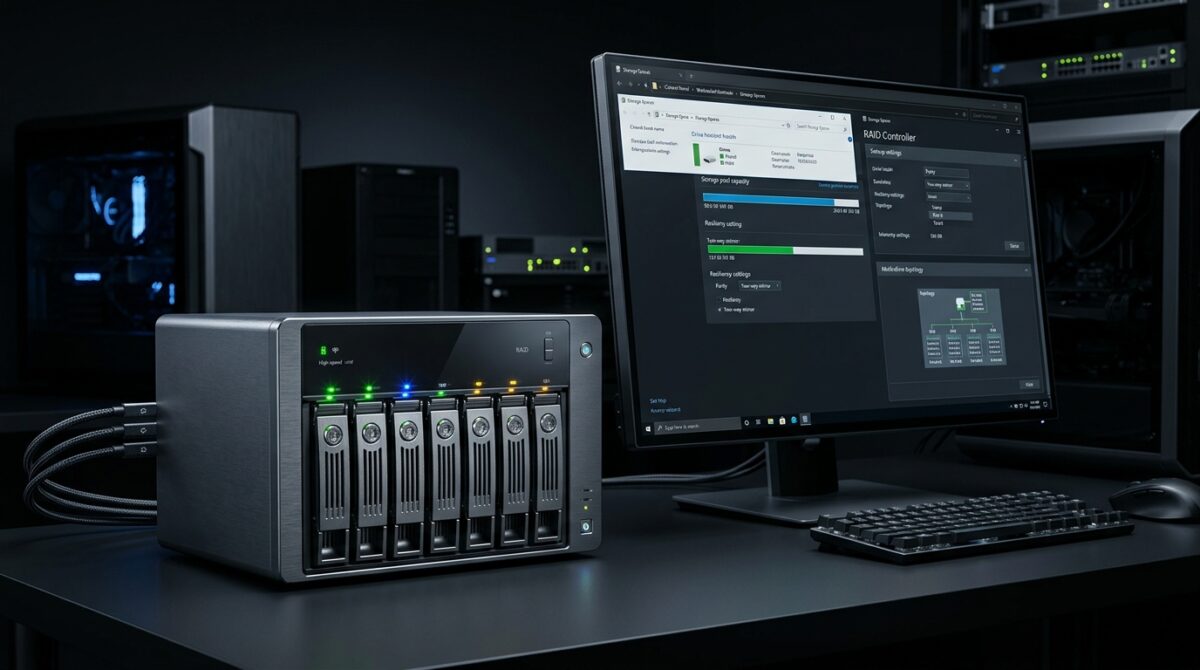
With a hardware RAID enclosure , the enclosure has a separate controller that does all of the disk striping , parity calculation , and rebuild operations . It does not use the host computer ‘s processor . The workstation has one volume, and the controller does all the heavy lifting behind the scenes, like cache management and drive failure alarms. RAID 5 and RAID 6 are popular levels that distribute data and parity across multiple drives to survive one or two disk failures. Performance is consistent even if the PC is busy rendering or exporting because it is performed in the enclosure. Many models link by Thunderbolt or USB 3.2 and feature status lights, hot-swappable bays and easy setup tools, appealing to designers who want a ready-made storage appliance.
How Storage Spaces Works: Parity
Storage Spaces is one of the features of Windows software-defined storage that combines multiple physical disks to create one configurable virtual disk. In parity mode, like RAID 5 or RAID 6, data and parity metadata are spread among the disks, safeguarding the archive from one or two drive failures. The computations are done by the computer’s processor and memory so no special controller is required. Normal disks can be utilized in a basic enclosure. It reduces the entrance cost and allows for diverse disk sizes which is good for developing archives. The tradeoff is that performance and stability depend on the host system, the configuration options and how the pool was originally built.
Write Performance and Continuous Throughput
Archiving high bitrate video is a long sequential write. Sustained throughput is more important than burst speed. Hardware RAID controllers generally have predictable write speeds because they employ their own processors and cache memory to compute parity efficiently. Storage Spaces parity has been reported to have slower write performance – especially if the pool is not calibrated with the right number of columns and interleave settings. Poorly constructed pools can drop to a fraction of intended speeds, making massive offloads unbearably slow. Adding a write back cache or quick solid state tier improves outcomes, but adds complexity. And for editors who often duplicate gigabytes of film, being able to estimate hardware performance can frequently be a huge time-saver.
Reading speeds & Playback stability
The requirements on the storage system are different when reading back archived film for review, conforming or re-editing. Both hardware RAID and Storage Spaces parity can provide high sequential read speeds as data is read off of several devices simultaneously. Hardware RAID often keeps playback seamless even with background processes, since the controller schedules and caches on its own. Storage Spaces can also perform very well but it shares system resources with other apps thus intensive multitasking can bring occasional stutter. If the array has degraded due to a drive failure, then playback of high bitrate clips may be impacted on one or both systems. This is why capacity planning and timely replacement of failing drives are key parts of any archiving strategy.
Data Protection, Restores and Recovery
The basic goal of an archive is to safeguard irreplaceable film, therefore the act of rebuilding is one that deserves close scrutiny. Hardware RAID rebuilds are handled by the controller and usually reliably run in the background, but with large contemporary drives, resynchronizing might take many hours or even days. One important concern is if a controller fails, and it is replaced with a different model, the array may become unreadable. Storage Spaces keeps its setup on the drives themselves, making it reasonably easy to migrate a pool to another Windows PC. Being able to carry it around is a significant plus for long-term retention. And neither is a substitute for a proper backup. Redundancy guards against drive failure, but not inadvertent deletion, corruption or disaster.
Flexibility, Growth and Momentum In the Mix
The chance to enlarge things as the archives develop. Hardware RAID arrays often require similar disks, and may require rebuilding or migrating the volume when the capacity is increased, depending on the controller. Storage Spaces allows you to add more drives to a pool with fewer constraints and you can often mix different sizes. But parity spaces have restrictions on the number of columns, and just throwing drives on them without understanding those limits will degrade efficiency. Hardware enclosures provide a basic, predictable experience, software pooling rewards those that are prepared to plan and study. The best choice is a matter of whether you prefer convenience or flexibility.
Cost, Power and Daily Management
Cost is typically the driver, particularly for freelancers and small studios. Hardware RAID enclosures are often more expensive because the price also includes the controller, cooling and construction quality. Storage Spaces can run on cheap drive bays, reducing the initial outlay, but it takes some processor resources and requires a computer that can stay powered on during maintenance. Another point of divergence is management . Hardware systems have dedicated utilities and indicator lights , but Windows needs its own tools and PowerShell for deep customization . The original purchase price should be balanced against the reliability, support and time saved over several years when evaluating the true cost of ownership.
Selecting the Best Solution for Your Video Archive
For professionals who need predictable speed, ease of use and little setup, a premium hardware RAID enclosure is generally a safer investment, particularly in hectic editing situations. Storage Spaces parity is a good option for budget-minded users, technical hobbyists, and archives that tend to increase over time, as long as you’re careful while setting up the pool and test it before you put any real film on it. Whichever way you go, utilize enterprise or NAS rated drives, check drive health often and keep a second copy of key work on other media. A careful mix of redundancy, backup and routine maintenance will keep high-bitrate video archives safe, accessible and ready for future creative activity.